A Git Explorer That Does Not Need an Account
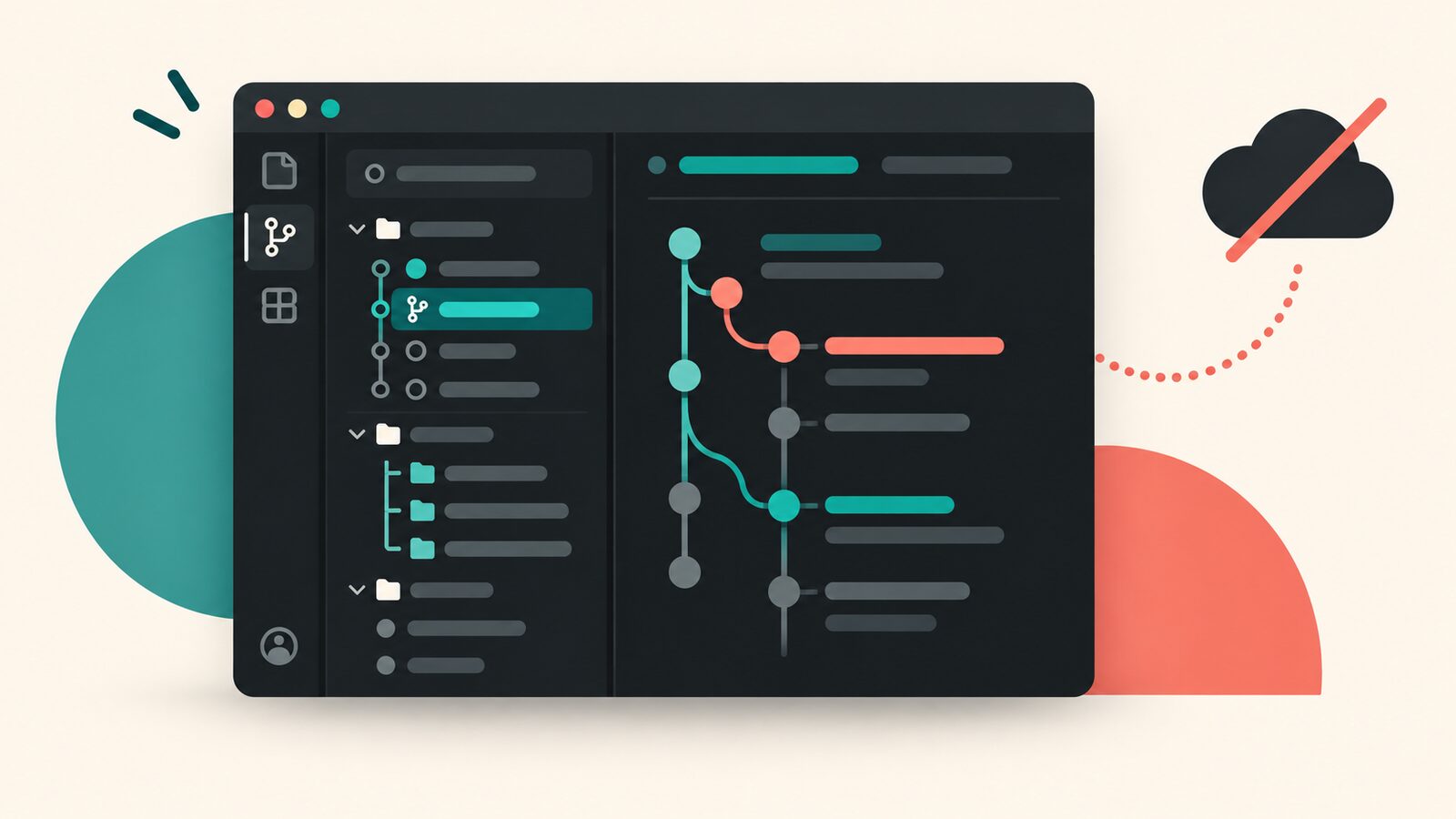
Sometimes I want to inspect a repository, not join a platform.
Show me the recent commits.
Let me see local and remote branches, configured remotes, stashes, tags, and worktrees.
Open a commit diff when I click it.
Do not ask me to create an account, start a trial, or explain my telemetry preferences before showing data already sitting inside .git.
That is the entire pitch for Minimal Git Explorer, my local-first Git explorer for the VS Code Source Control sidebar.
Six views, all backed by local Git
Open the Source Control panel and the extension adds separate sections for:
- recent commits;
- local and remote branches;
- fetch and push remotes;
- stashes;
- tags; and
- worktrees.
Click a commit to open a read-only diff. Click a local branch to check it out. Inspect a stash before applying it. Open another worktree in a new VS Code window.
Every value comes from local Git commands. There are no network calls, cloud APIs, subscriptions, or telemetry. If your repository works offline, the explorer works offline too.
The name says “minimal” because this is a boundary, not a temporary shortage of buttons (a rare condition in extension development).
Read first, mutate carefully
Browsing dominates the UI. The extension exposes only a few mutations, and the risky ones stop when the working tree needs attention.
Branch checkout and stash application ask for confirmation when uncommitted changes exist. Git failures are summarized in a notification and written to a dedicated output channel instead of being translated into empty data.
That distinction was important enough to harden in the release history. A failed dirty-state read must not be interpreted as a clean tree. A failed history read must not become an empty repository. “I could not read it” and “there is nothing there” are not synonyms, no matter how peaceful the sidebar looks.
Worktrees and stashes are first-class
Many lightweight Git views stop at commits and branches. I wanted the less glamorous state too.
The explorer lists all worktrees with their branch and HEAD information. Its stash handling accounts for the shared stash reference across linked worktrees and uses immutable stash object IDs for actions rather than relying on reflog positions that can move.
What it deliberately does not do is create or remove worktrees, drop stashes, or perform destructive repository cleanup. Those operations belong in a surface with more context than a convenient tree item.
No configuration ceremony
The extension requires Git on PATH and an open workspace folder.
There are no settings to configure.
It currently focuses on one repository. In a multi-root workspace, it uses the first folder that resolves to a Git repository. External Git operations are not watched automatically, so the toolbar provides an explicit refresh.
These are not hidden footnotes. A small tool earns trust by saying where it stops.
Keep local state local
There are excellent full-featured Git clients. Minimal Git Explorer is for the smaller moment: you are already inside VS Code, you need to inspect the repository, and the local Git database already has the answer.
If that is the workflow you want, install Minimal Git Explorer. No account. No dashboard outside the editor. Just the parts of Git I kept reaching for.
Get the next post.
If you made it to the end, meet the next post in your inbox or RSS reader.