Receipt Scanning Is More Than Opening a Camera
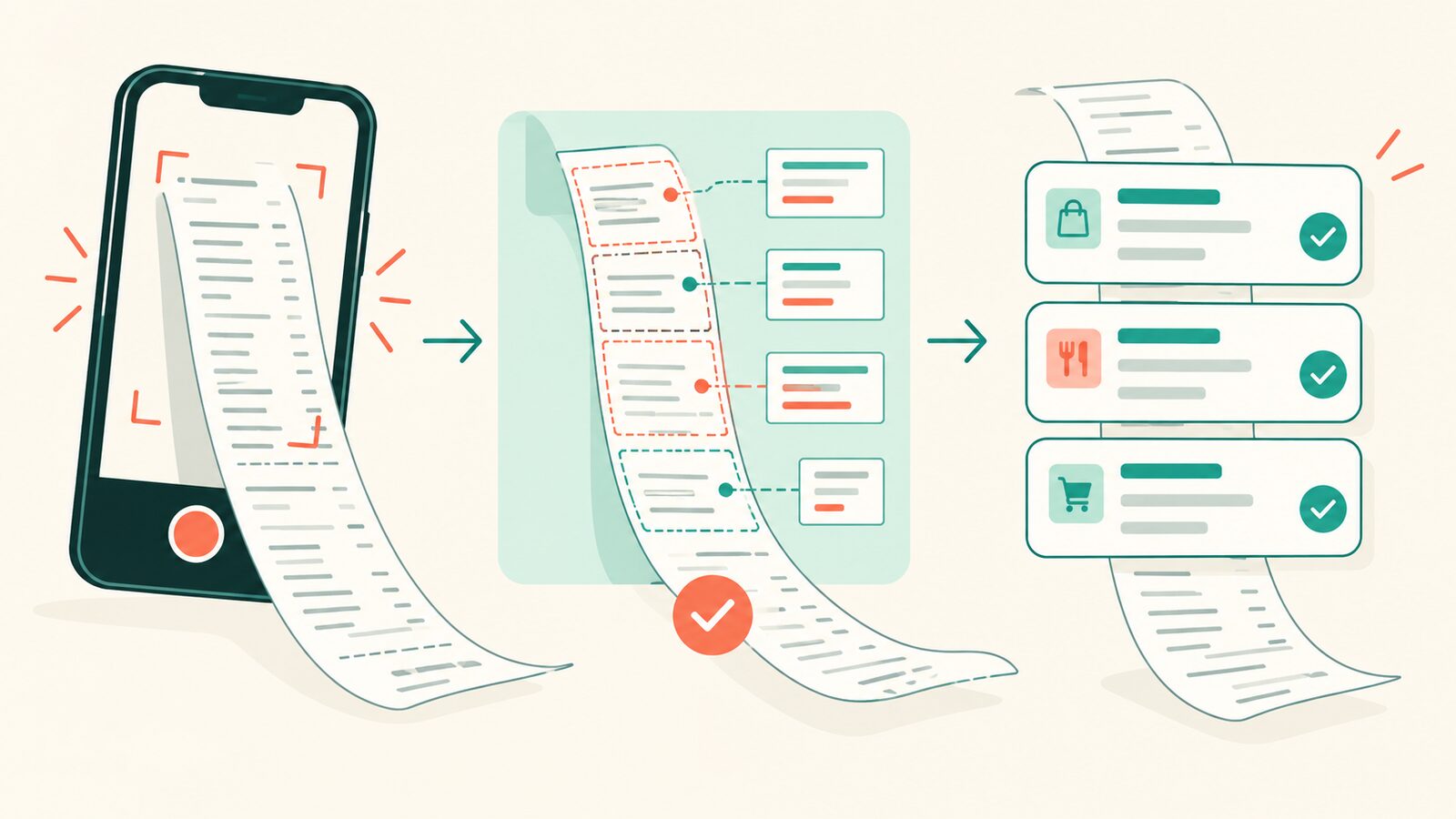
“Scan a receipt” sounds like one button.
Behind that button are camera capture, gallery import, perspective crop, orientation normalization, pixel rotation, JPEG compression, EXIF extraction, OCR, cancellation, low-quality rejection, temporary-file lifetime, and two native platforms that disagree just enough to stay interesting.
I wanted the consuming Flutter app to ask for a receipt, not negotiate that entire border crossing every time.
So I built flutter_receipt_scanner, a federated Flutter plugin for on-device receipt image acquisition and raw OCR on iOS and Android.
One app-facing scan result
The basic API is deliberately small:
final result = await scan(
  options: const ScanReceiptOptions(maxPages: 1),
);

switch (result.status) {
  case ScanStatus.success:
    print(result.images.first.fileName);
  case ScanStatus.cancelled:
    // The user closed the scanner.
  case ScanStatus.rejected:
    // Every capture fell below the OCR quality floor.
}
iOS uses VisionKit and Vision. Android uses the Google document scanner, the system photo picker, and ML Kit OCR. The Dart package owns the public API and an OCR-floor acceptance gate; platform packages own the native image primitives.
The host app must provide NSCameraUsageDescription on iOS for camera scans.
The gallery path uses PHPickerViewController, so it does not require a photo-library permission key; the Android scanner and picker require no app-declared permission.
That boundary is as important as the feature list. The plugin does not parse a store name, total, date, or line items. It does not upload images or decide whether two receipts are duplicates. Those are product-domain decisions and belong in the app consuming the scan.
The scanner should return evidence, not quietly become accounting software (we have enough surprise responsibilities already).
Long receipts need overlap, not one heroic photograph
A long receipt becomes unreadable when compressed into one tall image. The plugin supports capturing several overlapping camera pages and merging their OCR text in order:
final result = await scan(
  options: const ScanReceiptOptions(maxPages: 6),
  mergeOcrPages: true,
);
The merger removes a page-seam duplicate only when it can prove the overlap. If a seam cannot be matched, it returns an incomplete result with diagnostic indexes and preserves the text. It does not delete uncertain lines to manufacture a clean answer.
That failure shape is intentional. “Incomplete with evidence” is more useful than a confident receipt with a missing item.
The merge returns OCR text, not a stitched bitmap or PDF. Each captured page keeps its own JPEG. Gallery-selected pages are outside the current merge contract.
Ask the device what OCR it can support
OCR languages are explicit through BCP 47 tags, and the app can query capabilities before opening the scanner:
final capabilities = await getOcrCapabilities();
On iOS, the response reflects the active Vision framework's language support. On Android, it reports script-family model state. The Korean module is bundled with the plugin's default Korean/English path; other supported script modules may be delivered through Google Play services. Their first scan can trigger a download and fail while offline, and Android accepts at most one non-Latin script in a request.
This matters because “supports OCR” is too vague for a user-facing scan flow. The application needs to distinguish an unsupported language from a model that is available but not installed yet.
Keep the native boundary honest
The federated structure separates the app-facing package, platform interface, iOS implementation, and Android implementation. A single Pigeon schema generates the Dart, Swift, and Kotlin message contract.
The package also states temporary-file behavior directly: returned file:// JPEGs are stable only until the next scan and do not survive app restarts.
If the app needs durable storage, it must copy them.
These constraints are not marketing garnish. They are the API.
If your Flutter app needs receipt capture but should own the actual receipt logic itself, start with flutter_receipt_scanner.
The camera button can stay simple because the platform disagreement lives somewhere designed to hold it.
Get the next post.
If you made it to the end, meet the next post in your inbox or RSS reader.