iOS 26 Finally Fixed Alarm Apps. Android Still Makes You Earn It.
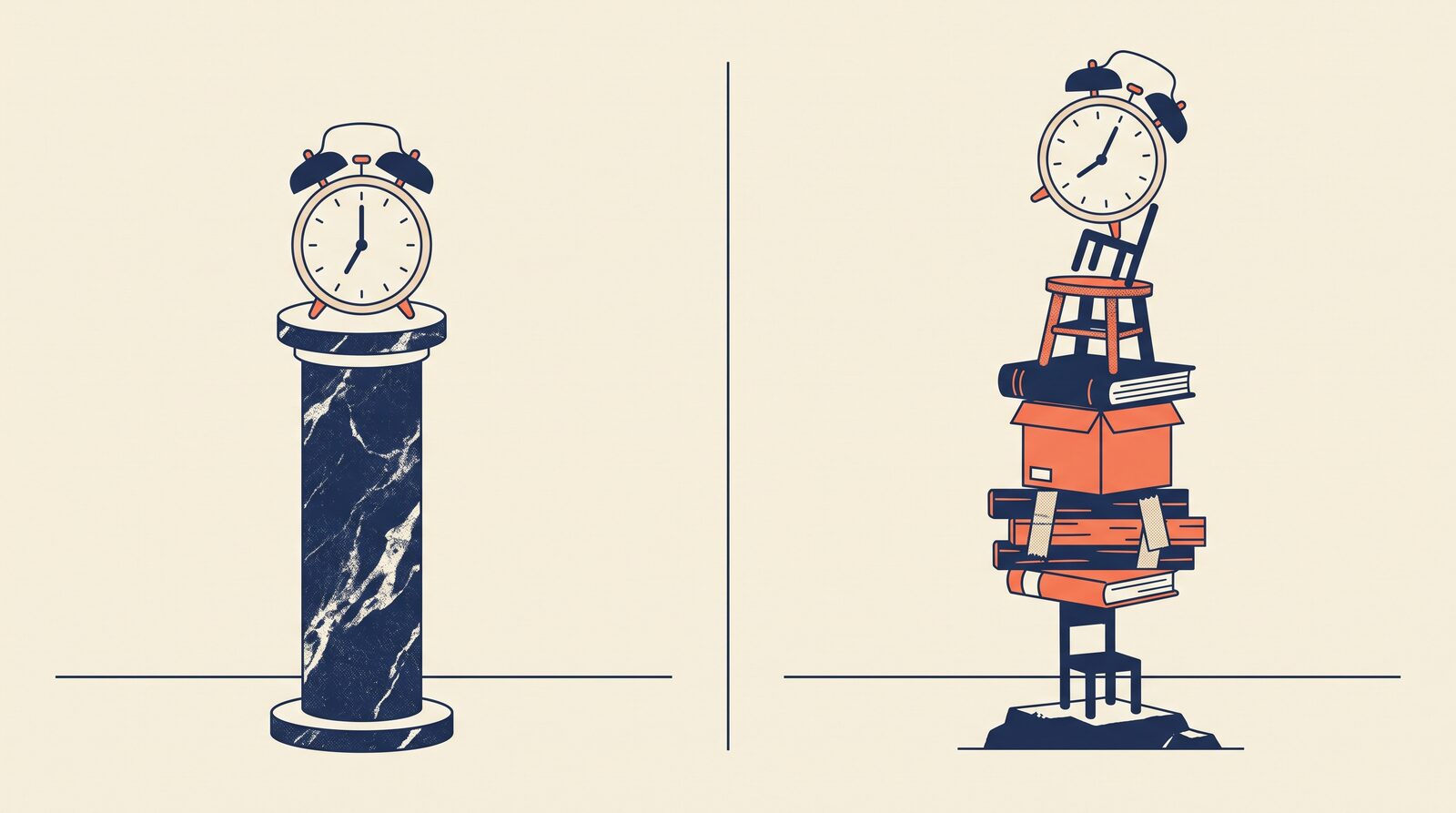
For years, third-party alarm apps on both platforms were built on the same lie: that a notification is an alarm. iOS 26's AlarmKit finally ends that era — on exactly one platform. Here's what changes, what doesn't, and the audio question I still can't answer.
I've been building a wake-up alarm app as a side project — a Flutter app whose whole premise is waking you with a voice message you (or someone who tolerates you) recorded. The one non-negotiable contract: the alarm sound fires at the scheduled time even if the app was never launched.
If you've never built an alarm app, that sentence sounds like the baseline. If you have, you know it's the entire boss fight.
The Dirty Secret of Third-Party Alarm Apps
Before iOS 26, neither platform gave third-party developers a real alarm primitive. No sanctioned API existed to fire a full-screen, ring-through-Silent-mode alarm from a terminated process. What we all shipped instead was an elaborate impression of an alarm, assembled from local notifications and hope.
The community record is blunt about it. Notifications "cannot override the ringer switch behaviour nor can they override 'Do Not Disturb' mode," as the README of one open-source iOS alarm project puts it. An iOS developer on r/iOSProgramming put the lived version of it more plainly: the experience is "let down by local notifications and the inability to make the phone vibrate consistently when backgrounded."
So what does an alarm app actually look like under those constraints? Mine looks like six layers of stacked fallbacks, each one shipped in a separate release because the previous layer failed in a new and exciting way:
- An OS-scheduled fallback notification (v1.1.0) — if the app process can't ring, a notification fires the sound instead.
- 30-second repeat slots (v1.4.0) — the fallback repeats every 30 seconds for up to 5 minutes, filling pending-notification slots up to iOS's cap. (Yes, there's a cap. You learn about the cap.)
- Grouped replacement via a stable thread identifier (v1.5.0) — so the repeat slots coalesce instead of stacking six visible notifications on the lock screen like a desperate ex.
- An emergency immediate fallback (v1.5.0) — when every scheduled slot fails, fire one right now as a last resort.
- Android scheduled local notifications (v2.0.0) — same story, different OS.
- A wake-check system (v2.0.0) — after the ring, a grace-period confirmation; no confirmation means you probably dismissed it in your sleep, so the alarm re-arms itself.
Every layer exists because a real failure class demanded it: process death, scheduling drift, the pending-notification cap, notification stacking, the all-slots-failed edge, and finally the user who swipes an alarm away while functionally unconscious. This is not architecture. This is sediment.
iOS 26: AlarmKit Changes the Category
AlarmKit (announced at WWDC 2025, shipping with iOS 26) gives third-party apps what the built-in Clock app always had: system-level alarms with a prominent, ring-style alert — delivered by a system daemon, not by your app process.
That one design decision deletes entire failure classes. The app process does not need to be alive for the alarm to fire. Scheduling drift under suspension, death by process kill — the exact problems layers 1 through 4 of my stack exist to absorb — are gone by construction, not by workaround.
Two constraints worth knowing before you get too excited:
- Explicit user consent is required before an app can schedule prominent alarms.
- The alarms query is client-scoped: your app sees only its own alarms, never the user's Clock-app alarms.
For users on iOS 26+, several layers of my fallback sediment can plausibly be retired. The pre-iOS 26 population still needs all of it, so both paths must coexist for years. (Nobody said the reward for platform progress was less code. Wait — everybody said that. They were wrong.)
Android: Still a Portfolio of Workarounds
Android has no AlarmKit equivalent, and the reliable-alarm recipe remains something you assemble from three separate constraints:
1. AlarmManager.setAlarmClock is the only real entry point.
For user-facing wake-up alarms, Google's guidance converges on setAlarmClock, scheduled as a single fire and re-scheduled on every app start and every trigger.
setRepeating is documented as not exact — using it for a wake-up flow is a bug you ship on purpose.
The one mercy: exact alarms are exempt from the foreground-service launch restrictions that block most other background work, making setAlarmClock one of the few paths that can legally start user-visible work from a suspended state.
2. Doze survival comes from the scheduling API — not from the full-screen intent.
Doze defers regular AlarmManager alarms, which is where most of the folklore starts.
But setAlarmClock is not a regular alarm: Google documents it as the most critical tier, one the system "leaves low-power modes if necessary to deliver."
The Doze fix is first-party, and it's the same call from constraint 1.
I'm belaboring this because the most common community recipe — earn a Doze-exempted bucket via a full-screen intent — is a category error, and I believed it for longer than I'd like to admit. A full-screen intent governs how an already-fired event is presented; it has nothing to do with whether the alarm fires under Doze. Pick the right scheduling call and the exemption you were about to beg the user for is one you never needed.
Which matters, because exemption prompts aren't free: community guidance warns that unjustified exemption requests can fail Google Play review. I haven't grounded that one in Play's own policy pages, so treat it as a reason to prefer the API you don't need permission for — not as a documented rule.
3. OEM behavior compounds everything.
Foreground-service enforcement tightened in Android 15+, alarm batching interacts with App Standby Buckets, and OEM shells layer their own process-killing on top.
A correct setAlarmClock implementation still cannot assume OEM behavior matches AOSP.
On Android, "reliable" is verified per-OEM, per-version, per-power-state — empirically, forever.
The Asymmetry, Side by Side
| Dimension | iOS 26+ (AlarmKit) | Android |
|---|---|---|
| First-party alarm primitive | Yes — system daemon owns the ring UI | No — setAlarmClock, app owns the ring UI |
| Fires when app is terminated | By construction | Only with reschedule-on-every-trigger discipline |
| Repeating schedules | Native scheduling paradigms in the API | Repeating alarms are not exact — must not be used |
| Doze / low-power survival | By construction — system daemon owns delivery | First-party — setAlarmClock leaves low-power modes by documented contract |
| Consent surface | Explicit user consent prompt | Manifest permissions + OEM-varying exemption prompts |
| Store review risk | Unclear yet (App Review posture unknown) | Unclear — exemption requests reportedly draw Play scrutiny, not policy-confirmed |
| OEM fragmentation | Not applicable | Very much applicable |
The deeper consequence sits below the table: on iOS, alarm reliability just became API-shaped — a documented contract you can test against. On Android it remains empirical — a body of accumulated evidence about which devices kill what, when. Those are different engineering postures, and a cross-platform app now has to hold both at once.
The Question I Can't Answer Yet
Here's where I have to be honest instead of useful.
My app's core feature is playing a user-recorded voice message at wake time.
On the Flutter side that playback goes through just_audio, which on iOS routes through AVAudioSession.
And none of the sources I've collected answer the question that actually decides my AlarmKit adoption design:
When an AlarmKit alarm rings, who owns the audio?
Two very different architectures hang on the answer:
- AlarmKit as ring shell. AlarmKit plays a short system cue, then the app — foregrounded by the alarm's handler — configures
AVAudioSessionand plays the voice message throughjust_audio. My existing audio-session discipline stays load-bearing. - AlarmKit plays the voice directly. The recorded file is registered with AlarmKit as the alarm's audio asset;
just_audiois unused at ring time, and my app's audio-session category becomes irrelevant to audibility. This would rewrite my audio pipeline.
Whether AlarmKit's ring plays through a system-managed route independent of the app's AVAudioSession, whether a custom sound asset can be supplied, whether a specific session category is required in the alert handler — I went looking for all of it in Apple's AlarmKit framework reference and the WWDC 2025 session.
They're silent on it.
Not "I haven't read the docs yet" — I read them, and the audio contract isn't specified in either.
So the honest status is that this needs an empirical answer: build it, ring it, watch what the audio session does. Until then I'm not guessing in public. A blog post that guesses an API's audio contract is how the next developer ships a silent alarm.
Lessons Learned
- A notification is not an alarm. Every pre-iOS 26 third-party alarm app was a stack of fallbacks pretending otherwise — and on Android, it still is.
- Platform primitives delete code that cleverness can't. Six layers of fallback engineering versus one system daemon that owns the problem. When the OS finally offers the primitive, take it and retire your sediment gratefully.
- Additive guards age better than rewrites. Each fallback layer was added without ripping out the previous ones. That instinct looked paranoid until the day it didn't — and it's why the pre-iOS 26 path still works untouched while I build the new one beside it. Not free, since both must coexist for years; just cheaper than having rewritten the old path each time.
- Know where your reliability comes from. API-shaped reliability (iOS 26+) can be tested against a contract. Empirical reliability (Android) has to be re-verified against every OEM and OS release. Budget for both, differently.
- Publish your unknowns. The AlarmKit audio question survived a full read of the primary docs — some
[UNKNOWN]s don't resolve by reading harder, and saying so beats shipping a confident wrong answer. In a wiki, in a blog post, and especially in an alarm app.
If you've already adopted AlarmKit with custom audio — particularly from Flutter, particularly with a recorded asset rather than a bundled system sound — I would genuinely love to hear how the audio routing actually behaves. That comment section is the primary source I'm missing.
References
- Android Developers — "Schedule alarms" (Background work),
developer.android.com—setAlarmClocksemantics ("leaves low-power modes if necessary to deliver the alarms"), inexact repeating alarms since API 19, exact-alarm exemption from foreground-service restrictions - Android Developers — "Optimize for Doze and App Standby" (App quality),
developer.android.com— deferral of regular alarms under Doze - "Android Notifications Reliability Guide — Alarms & Doze Mode" —
nek12.dev— single-fire + reschedule pattern; also the source of the Play-review warning on exemptions, which I could not ground in Play's own policy pages and have marked as unconfirmed above - Apple — AlarmKit framework reference + WWDC 2025 session — read for the audio-routing question; both are silent on it, which is the basis of the
[UNKNOWN]above - MacRumors — "iOS 26 Makes Third-Party Alarm and Timer Apps Better" — AlarmKit capabilities per WWDC 2025 material
- natsu1211/Alarm-ios-swift — README,
github.com— the pre-iOS 26 notification-mechanism constraint - r/iOSProgramming — the "let down by local notifications" quote is one developer's comment, not a survey
- Facts checked against my app's release history (CHANGELOG v1.1.0–v2.0.0) as of 2026-07
Get the next post.
If you made it to the end, meet the next post in your inbox or RSS reader.